Bring your character
Upload a PNG, JPG, or WebP. Portraits with a clear silhouette give your character room to move.

Upload your anime character, let Kavivo create the model, then try the result before you decide to download it.
Character uploads open at launch. Try the example today.
Your illustration is the starting point. See what Kavivo creates, then explore the result before deciding to download it.
Kavivo separates your artwork and builds the model in the background. You stay in control of the decision to keep the files.
Start with a PNG, JPG, or WebP illustration. Keep the character’s face and silhouette visible.
Follow the conversion status, or return to your saved model when it’s ready.
Explore the generated movement and expressions. Purchase only when you want the model files.
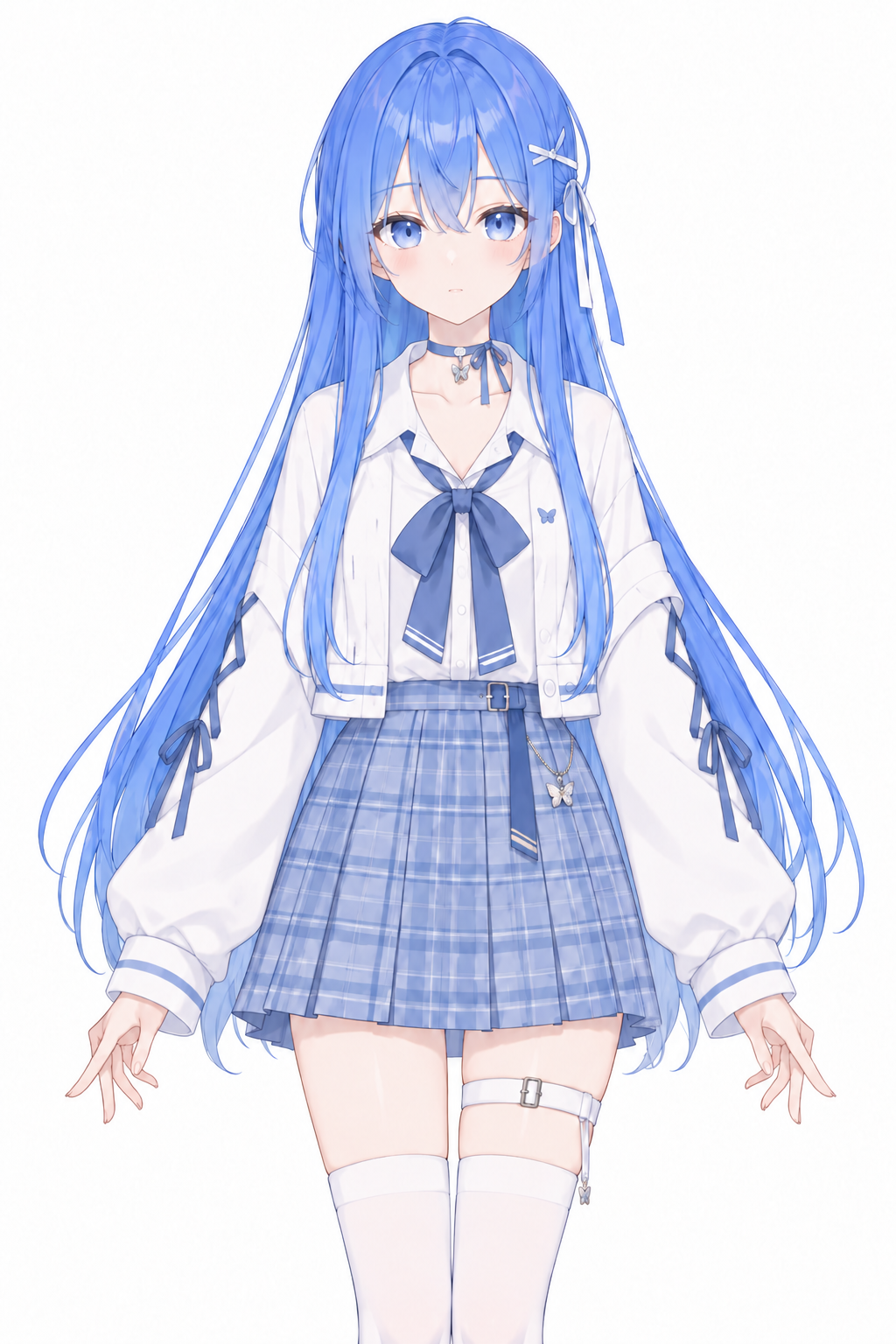
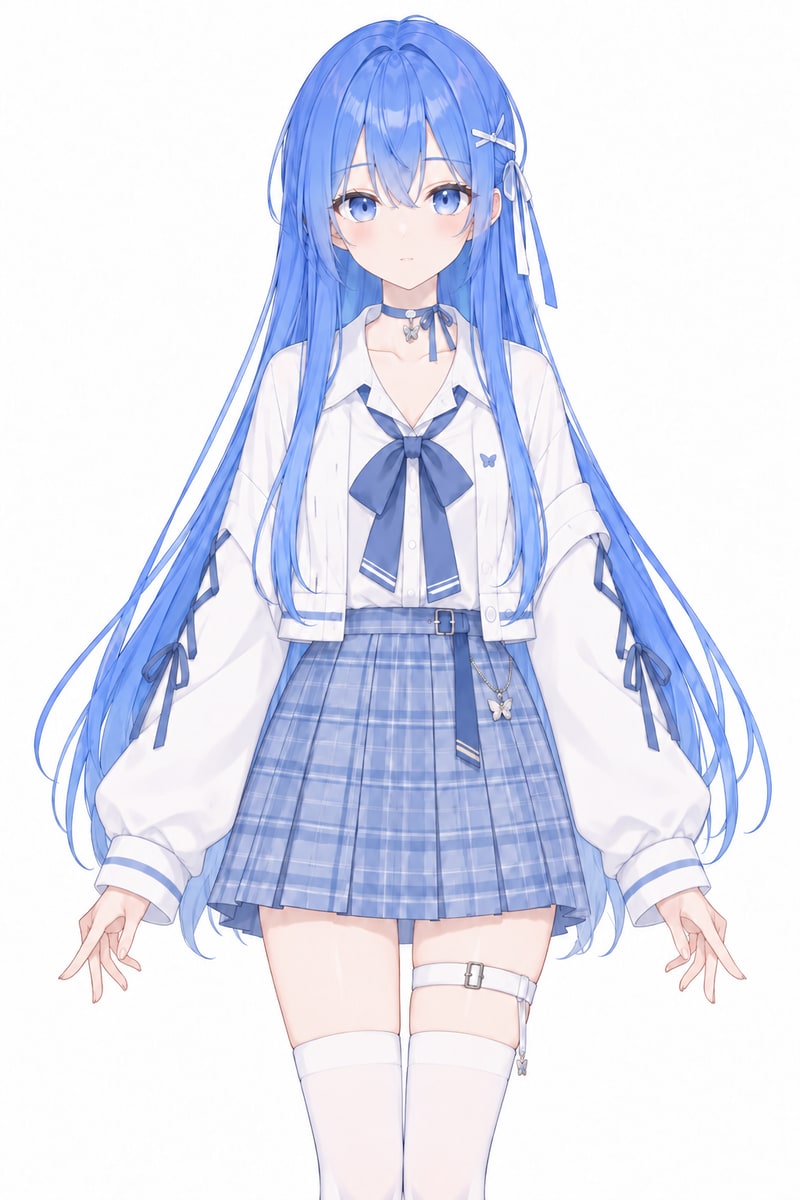
Your illustration is the starting point. Kavivo separates the artwork and builds the model, so you can focus on how it feels.
Upload a PNG, JPG, or WebP. Portraits with a clear silhouette give your character room to move.
Explore the generated motions and expressions in your browser. Your preview stays in My models while you decide.
Pay once to download your Live2D model. Later editor-created versions are included.
Explore the motions and expressions available in your model. See how the result feels before you choose to download it.
Switch between the motions that come with the generated preview.
Change expressions, move the view, and zoom in to inspect the character.
Preview first. One purchase covers this model and its later editor-created versions.
No sign-in needed to try the example.
One purchase covers one original generated model and its later editor-created versions. Editing is free. A new source illustration creates a separate model with its own export purchase. Download model files, textures, and generated motions from My models.
US$29 planned one-time export · coming soon
Launching soonPurchases aren’t available yet. Create a free preview and try the editor.
What to upload, what you can preview, and what your purchase includes.
Use an anime-style character with a visible face and clear silhouette. Half-body or full-body portraits work well. Transparent backgrounds help. Images are resized to at most 2048 pixels before upload.
The preview offers the motions and expressions available in your generated model. It uses the Niji runtime; the purchased export uses Live2D, so rendering can differ between them.
After your upload and preview request are accepted, processing continues. Sign back in and open My models to see the result.
Purchases aren’t available yet. You can create, preview, and edit your character for free. When purchases open, the planned scope is: One original generated model and its later editor-created versions. Editing is free and does not require another purchase. Uploading a new source illustration creates a separate model that needs its own export purchase.
Start with the character image you already have. Kavivo creates the preview first; the download decision comes later.